For agents
Draw a map from a shell: write the DSL, render it with the command-line tool, look at the image, fix the DSL, repeat; then give the user an editor link to review it. The whole loop is in the agent guide. For a whole hex map with plausible geography, use the geographer skill (zip).
curl -fsSL -o text-maps https://text-maps.tyrcho.com/downloads/text-maps-linux-x64 && chmod +x text-maps
curl -fsSL -o map.txt https://text-maps.tyrcho.com/examples/dungeon/sunken_keep.dsl
./text-maps -i map.txt -o map.png   # look at it, edit map.txt, repeat
./text-maps -i map.txt --url        # the link to give the user
Raw files: llms.txt · examples/index.json · dungeon tutorial · hex map tutorial · dungeon reference · hex map reference · reference index
Start a blank map
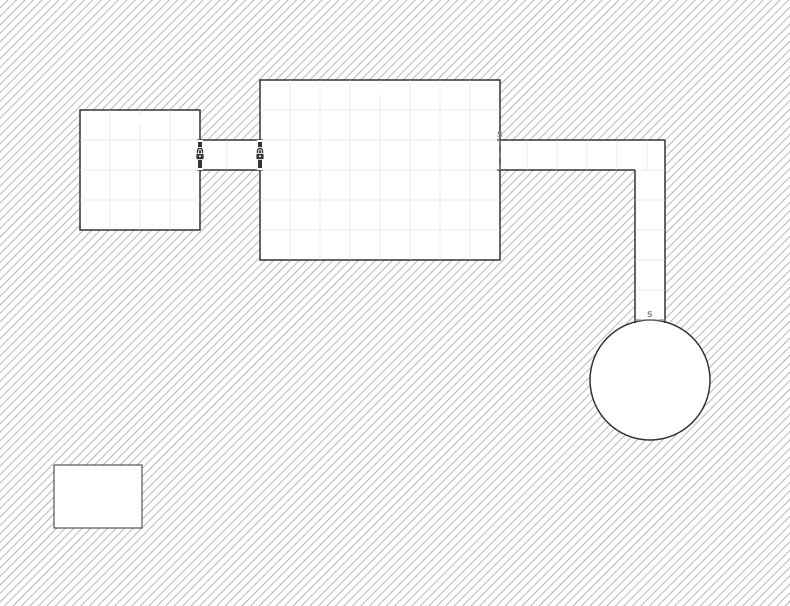
Dungeon
Rooms, corridors, doors and features on a square grid. Buildings too.
New dungeon →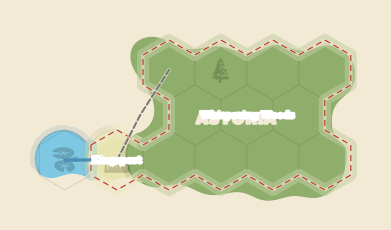
Hex map
Terrain, regions, countries, roads, rivers and points of interest on a hex grid.
New hex map →Or paste a map's text anywhere on this page (Ctrl+V / ⌘V) to open it in the editor.